
DeepFaceLive in 2026: archived status, setup and a maintained alternative
DeepFaceLive centers on realtime swapping. Deep Face Cam keeps live camera support inside a wider local desktop workflow for images, videos, previews, and exports.
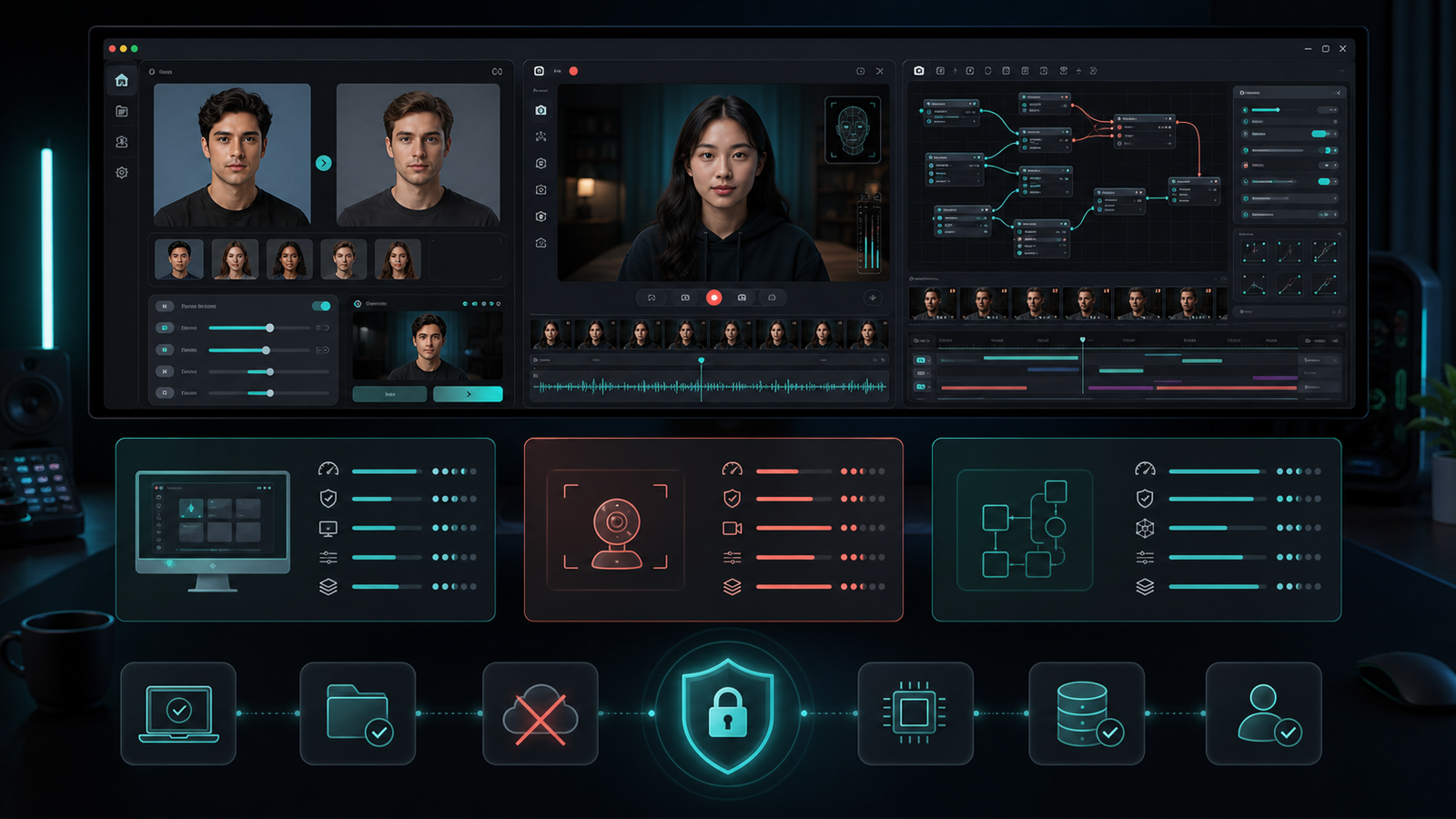
DeepFaceLive is strongly associated with realtime face swap workflows. Deep Face Cam also includes live camera direction, but it does not stop there: the same product surface also supports local image and video work.
Short version
Choose DeepFaceLive for a realtime-focused project. Choose Deep Face Cam when live camera support should sit next to image and video workflows in one desktop app.
Versions, evidence and a repeatable workflow
Documentation reviewed October 5, 2026. Deep Face Cam installer names refer to the v0.1.0 package previously checked on September 23, 2026; confirm the current Patreon post before choosing a file. These are setup comparisons, not measured speed or image-quality rankings.
The original DeepFaceLive repository has been archived since November 13, 2024. Its documented Windows portable releases and live-processing workflow remain distinct from Deep Face Cam. Check any community fork separately rather than assuming the archived upstream supports a new GPU.
DeepFaceLive documents both DFM trained-face models and single-photo Insight workflows. Choose it for the particular pipeline you need; do not assume every workflow requires training. A Mac user should check an explicitly documented platform route instead of treating its Windows package as a Mac installer.
Try the same short clip before choosing
- Use a 5–10 second clip you have permission to edit, with a front-facing subject turning to profile. Keep resolution and frame rate unchanged.
- Select the correct CPU or GPU backend. Let the first model download finish; keep that initial setup time separate from processing time.
- Preview and export with enhancement off first. Inspect side profiles, glasses, occlusion and mouth movement, then repeat with enhancement if needed.
- For live use, check the selected camera, preview latency and the receiving application separately. Successful file export does not prove a working virtual-camera route.
Record the app version, installer, OS, GPU/driver, model, input duration and resolution, enhancement settings, preview time, export time and any failure. No controlled device timing was collected for this article.
See the existing Deep Face Cam output examples. These are product examples, not identical-input comparisons against another tool. Follow the local video workflow.
DeepFaceLive status and setup in 2026
The official iperov/DeepFaceLive repository was archived in November 2024: the main repo notice states, "This repository was archived by the owner on Nov 13, 2024. It is now read-only.", while the release page displays November 14, 2024. Because the repository is read-only, the project no longer receives official code updates, bug fixes, or new software releases. On GitHub Releases, the entry labeled Latest is TINA_SHIFT (published on January 21, 2023), which only contains the Tina_Shift.dfm face model file. No public version number or release date was found for the latest Windows application build.
If you still want to install the existing DeepFaceLive builds in 2026, your setup options depend on your operating system. The repository documents portable packages for Windows and a container workflow for Linux, with no official guide for macOS:
- Windows: The Windows 10 setup guide tells you to download the pre-built executable archive from the cloud drive links in the README, unpack it to the root of any disk, and run
DeepFaceLive.bat. Because the README provides this as a zero-dependency portable package, you do not need to install Python separately. Two Windows packages are listed: a DirectX12 build for DirectX12-compatible NVIDIA, AMD, and Intel graphics cards, and an NVIDIA build for GT730 and higher cards. - Linux: A Docker guide in
build/linux/README.mddocuments an environment using NVIDIA driver 470 and CUDA 11.4. You build and launch the container by running./start.sh. - macOS: No official macOS installation guide or support statement was found in the repository documentation. Only the Windows portable build and the Linux Docker setup are provided upstream.
If you want a local desktop face swap app that currently ships desktop installers for Mac and Windows, Deep Face Cam offers early builds (v0.1.0; see the installer table on this page). Native packages are available for Apple Silicon Macs (aarch64 DMG), Intel Macs (x64 DMG), and Windows (CUDA, DirectML, and CPU fallback MSI installers). It handles live camera streams, videos, and images locally, and downloads models only after you confirm.
Comparison table
| Category | Deep Face Cam | DeepFaceLive |
|---|---|---|
| Core workflow | Local desktop app for image, video, and live camera swaps. | Realtime face swap workflow. |
| Output scope | Preview, render, export, and live mode. | Live camera and streaming-oriented use. |
| Setup | Product direction favors packaged desktop operation. | Provides ready-to-use Windows portable builds; additional setup is needed for streaming and calls. |
| Maintenance | Active product packaging direction. | The official GitHub repository is archived. |
| Best fit | Mixed media workflows and repeatable local review. | Realtime experiments and live pipeline study. |
Models, platforms and live output
DeepFaceLive supports DFM models and a single-photo Insight face-swap mode.
For a live session, check camera capture, face/model selection, preview and the destination streaming app separately. DeepFaceLive provides streaming and video-call setup guides. For Deep Face Cam, start with the live-camera and GPU guide. A working preview alone does not guarantee that a conferencing app has selected the intended feed.
Choose a Deep Face Cam installer
The current Patreon post provides v0.1.0 installers. Select your processor and GPU backend before downloading.
| Your computer | Installer |
|---|---|
| Mac: Apple M-series | Apple Silicon (aarch64) · DMG |
| Mac: Intel | Intel (x64) · DMG |
| Windows: NVIDIA GPU | NVIDIA CUDA · MSI |
| Windows: compatible AMD / Intel GPU | DirectML · MSI |
| Windows: CPU fallback | CPU · MSI |
Install and test a short clip
- Open the matching DMG or MSI. On Mac, copy the app to Applications; on Windows, follow the installer.
- These early builds are unsigned. Check the source and read the operating-system prompt before deciding whether to open the app.
- Review and confirm first-run model downloads. Keep space for models and exports; initial setup requires internet access.
- Import a face and a short target clip, check the preview, then export or test live mode.
When Deep Face Cam is the better fit
Deep Face Cam is better when live camera swapping is only one part of the job. A creator may need a still image test, a short video export, and a live camera preview during the same session. Keeping those tasks in one desktop surface reduces context switching.
The app shape also helps with review. Before a live use case, a still image or video preview can expose alignment, lighting, and blend issues in a calmer environment.
When DeepFaceLive is the better fit
DeepFaceLive is better when the job is specifically realtime. Its value is concentrated around live face swap scenarios, and the project remains useful for studying that workflow.
The archived status of the official repository should be considered before building a long-term workflow around it. For one-off research, that may be fine. For ongoing product use, maintenance matters.
Live workflow checklist
- Test lighting and head movement before using any live camera workflow.
- Confirm whether the tool supports the media types needed before and after live mode.
- Keep consent and labeling clear when output leaves a private test environment.
- Choose an actively maintained path when the workflow will be used repeatedly.
FAQ
Is DeepFaceLive only for live use?
Its identity is strongly tied to realtime workflows. Deep Face Cam is broader because it also covers local image and video tasks.
Can Deep Face Cam handle live camera workflows?
Yes. Live camera support is part of the product direction, alongside file-based workflows.
Does archived status matter?
It matters for long-term maintenance, dependency changes, and support expectations.
Is DeepFaceLive still maintained?
No, the project owner archived iperov/DeepFaceLive on GitHub in November 2024 and locked it as read-only. Active development has stopped, so there are no new official patches or feature updates. Even the most recent GitHub release entry from January 21, 2023 (Tina_Shift.dfm) is a single face model rather than an updated program installer.
Can I run DeepFaceLive on a Mac?
The official DeepFaceLive documentation only covers Windows 10 portable builds and Linux Docker containers, with no verified macOS support or setup guide. Mac users looking for a local face swapper for live camera feeds, videos, and photos can install Deep Face Cam using its native Apple Silicon (aarch64) or Intel (x64) DMG packages (see the installer table on this page).
Keep live mode connected to the rest of the workflow
Deep Face Cam is built for local review before output moves to video export or live camera use.
Paid installers on Patreon. Review the post for access options, then choose the file for your system.Related guides
Live-first tooling is only half the question. These guides cover what actually limits a real-time result on your own machine:
- Real-time face swap on a local PC — capture, execution providers, FPS, and privacy
- GFPGAN vs GPEN: which face enhancer should you use? — why live enhancement needs CUDA or DirectML
- How to swap multiple faces in a video locally — why live multi-person matching is less stable
- How to face swap a video locally on PC or Mac — the file workflow
- Responsible use — consent, labeling, and prohibited uses